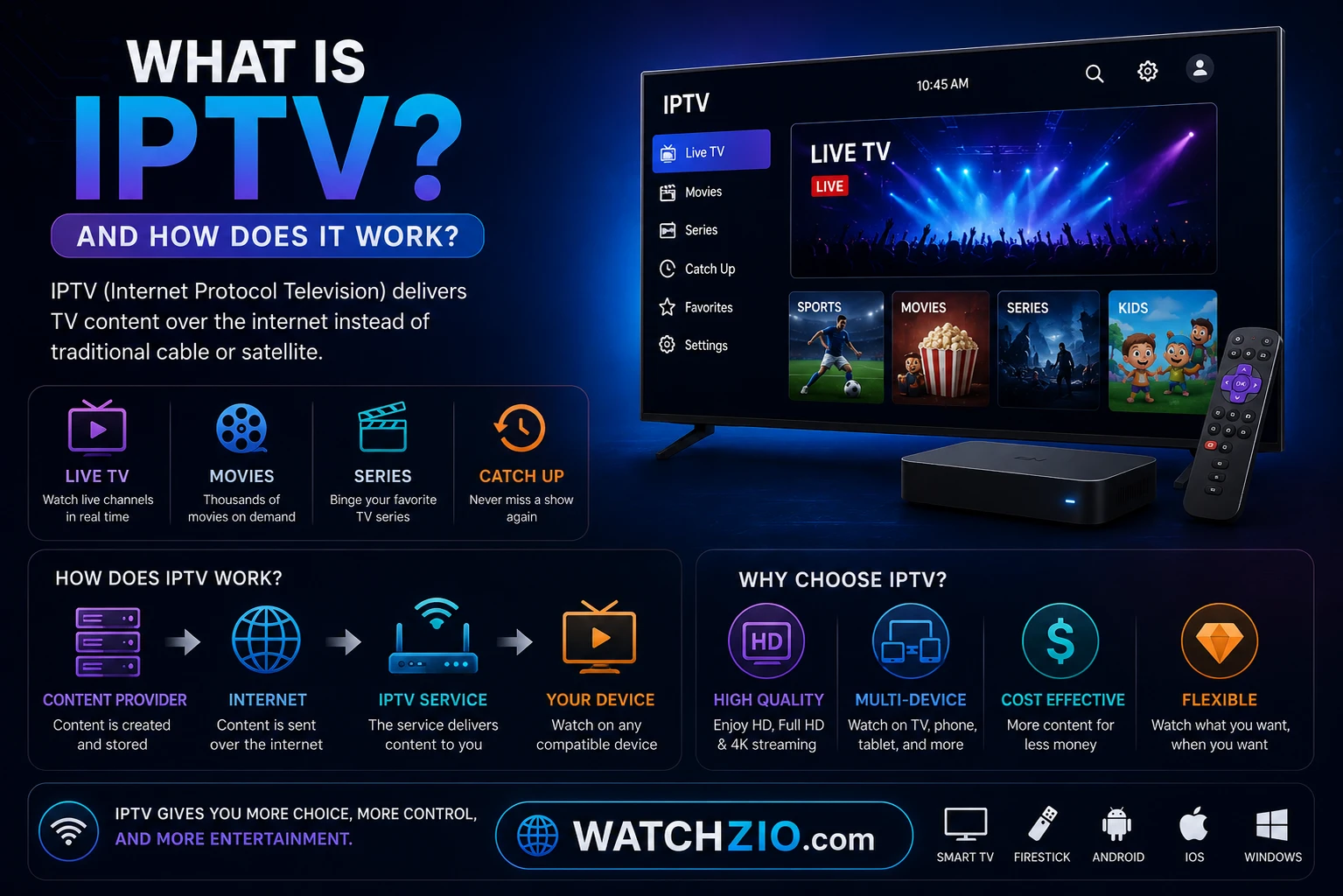
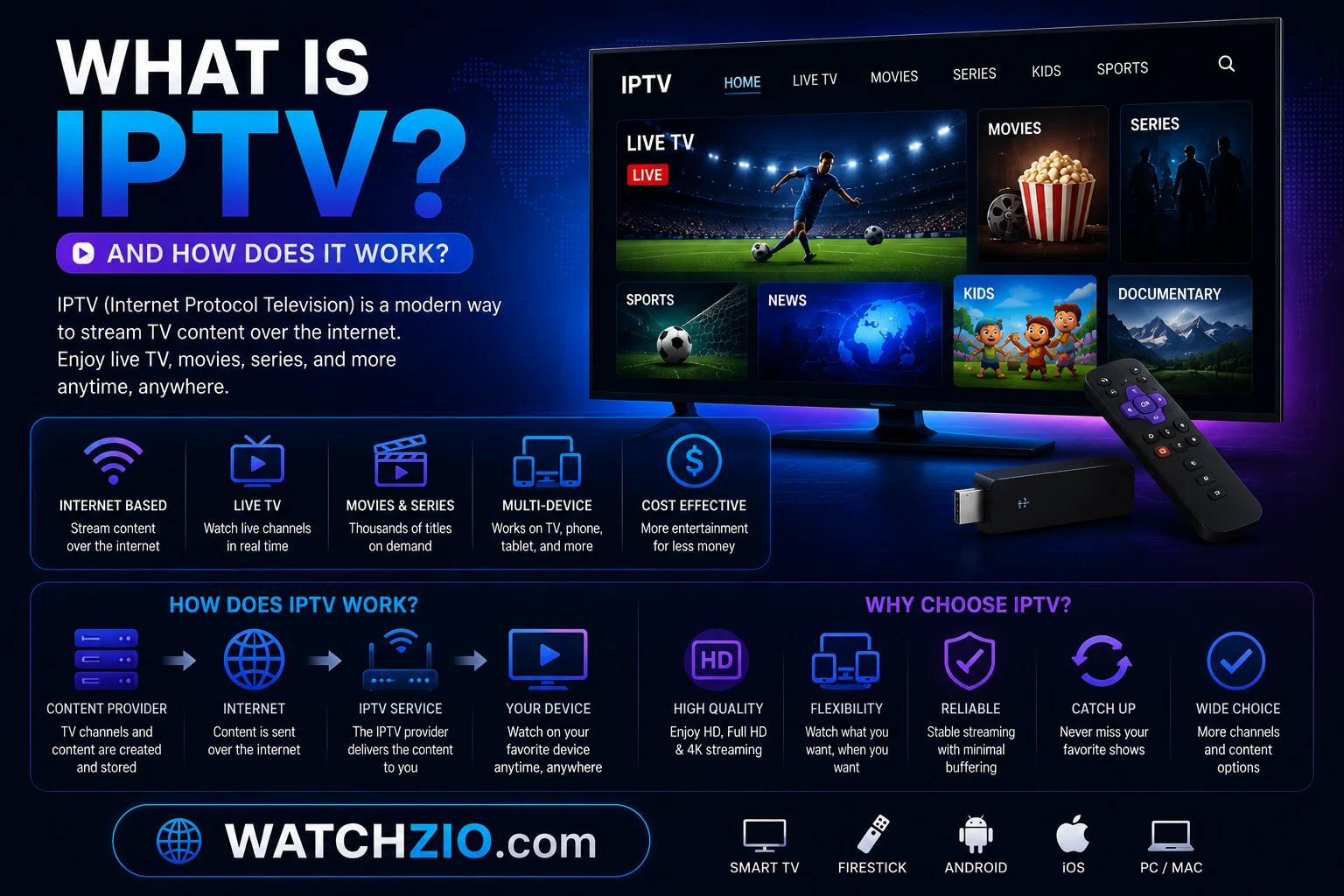
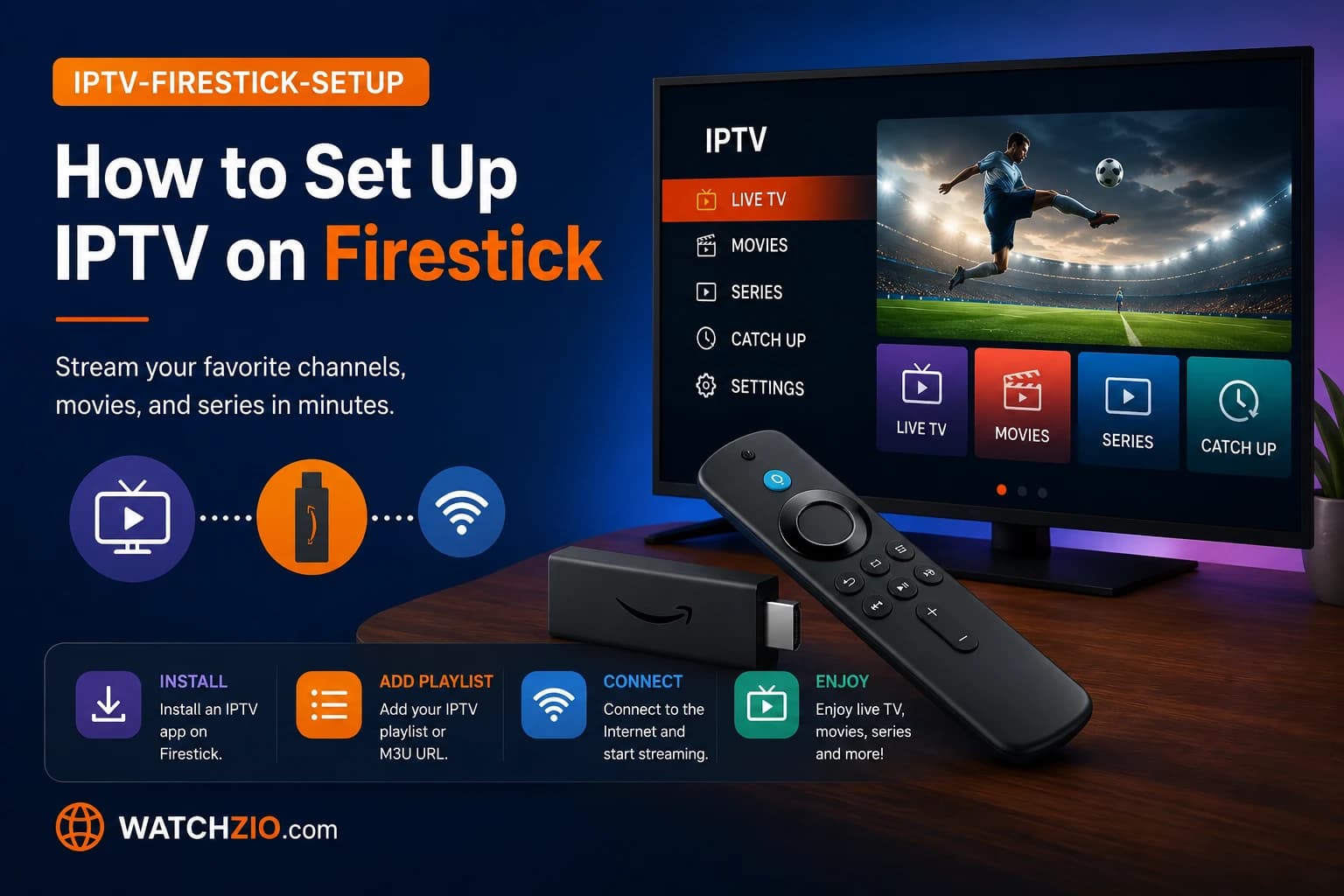
IPTV stands for Internet Protocol Television: television — live channels and an on-demand library alike — delivered over an IP network instead of cable, satellite, or a terrestrial aerial. This is the same underlying technology behind modern streaming apps — video sent to your device as internet data instead of a signal down a coax cable. IPTV applies that same model to live channels too: thousands of them, plus a full on-demand library, delivered the way a website reaches you rather than the way a cable box tunes in.
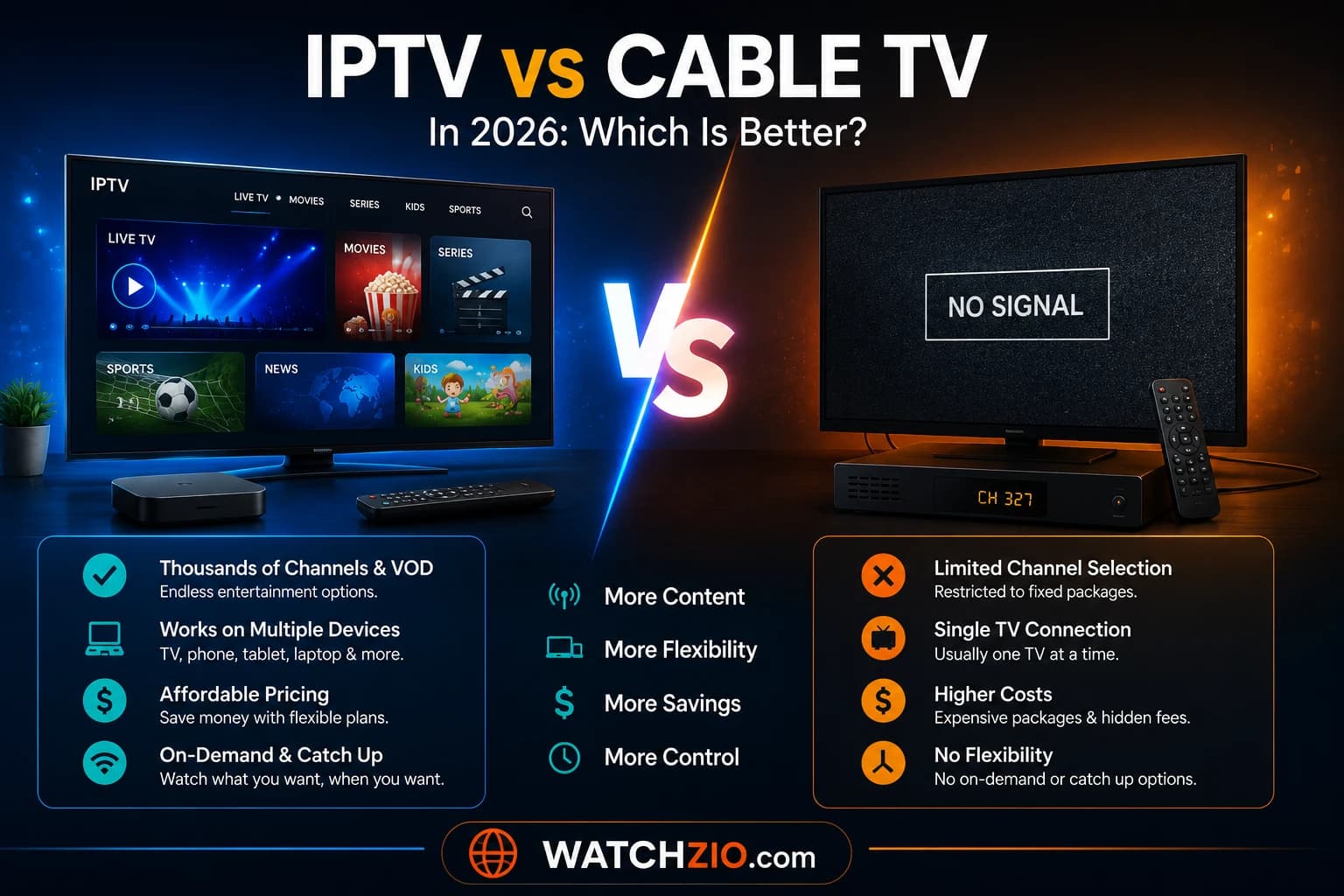
This guide walks through what's actually happening behind the scenes, what you need to run it, and how it stacks up against what you're using now. If you want the deeper dives afterward: setting up IPTV on a Firestick and IPTV vs cable, both build on what's here.
Image: how an IPTV stream reaches your devices over the internet
The technical definition
The distinction that actually matters is how delivery works. Traditional broadcast pushes every channel down the line at once; your box just tunes in. IPTV instead sends only the one stream you asked for, to whichever device you're holding. That single architectural difference is why IPTV can be cheaper, more flexible, and carry a far larger content library than a cable network ever could.
What happens between you pressing play and the picture appearing
It feels instant, but five things happen first:
Content is ingested. Live feeds and on-demand titles arrive at the provider's central facility — the "headend."
It gets encoded. Video is compressed into internet-friendly formats using codecs like H.264 and the newer H.265 (HEVC), which is what makes smooth 4K possible on ordinary broadband.
Middleware takes over. A management layer handles the channel list, the on-screen guide (EPG), your login, and security.
It travels to you. The stream crosses the internet, usually through a content delivery network (CDN) so it stays fast regardless of where you are.
Your app renders it. An IPTV app on your Firestick, smart TV, or phone decodes the stream and displays it — pause, rewind, and catch-up all handled on the fly.
Because each viewer only pulls their own stream instead of sharing broadcast bandwidth, a provider can offer tens of thousands of channels with none of the physical ceiling a cable network runs into.
Where IPTV actually beats cable and satellite streaming
Laid out side by side, the gap is specific, not just "cheaper":
IPTV
Cable / Satellite
Streaming Apps
Live TV & sports
Yes — thousands of channels
Yes — limited package
No
On-demand movies
Yes — 90,000+ titles
Limited
Yes
Works on any device
Yes
Tied to a box
Yes
Contract
None — monthly
12–24 months
Monthly
Typical cost
From $12/month
$80–$200/month
$10–$20/month each
Nothing else on this list combines live channels, sports, and a huge on-demand library at a streaming-app price point. It's why a lot of households run IPTV for everything live and keep one streaming app around just for its originals.
What's actually in the library
A properly built IPTV service covers three distinct content types, not just "channels":
Live TV — sports, news, entertainment, and kids' channels broadcasting in real time from 50+ countries.
Video on demand (VOD) — a movie/series library you start whenever, the same on-demand model as modern streaming apps.
Catch-up & time-shift — missed something? Catch-up replays the last several days; live channels can be paused and rewound too.
Watchzio, for instance, bundles thousands of live channels, 90,000+ movies and series, 7-day catch-up replay, and a full EPG.
Watch on any device — no cable needed
Start your free 24-hour trial. No credit card required.
There's a good chance you don't need to buy anything:
Device
How you watch
Amazon Firestick / Fire TV
Most popular choice — install an app like TiviMate or IPTV Smarters
Smart TV (Samsung, LG)
Install an IPTV app from the built-in store
Android TV box (Sony, Philips, TCL)
Full Google Play access — broadest app choice
iPhone & iPad
Apps such as IPTV Smarters or GSE
Android phone / tablet
Any major IPTV app
Windows / Mac
Desktop players or a web player
Image: IPTV works across Firestick, smart TVs, phones and computers
The internet speed question, answered plainly
Picture quality tracks your connection speed directly:
Quality
Recommended speed
SD (standard)
5 Mbps
HD
10 Mbps
Full HD
15–20 Mbps
4K Ultra HD
25 Mbps+
Double those numbers if two people are streaming at once. For Full HD and 4K specifically, a wired Ethernet connection beats Wi-Fi for stability — it's the single most effective fix for buffering that exists.
The legality question, briefly
IPTV the technology carries zero legal weight either way — it's a delivery method, the same one modern streaming apps and your existing cable company already run on. What decides legality is entirely about the content source, not the acronym.
A legitimate provider licenses what it streams and pays the rights holders. Services doing it without permission are the ones flashing warning signs: no refund policy, suspiciously low prices, anonymous ownership, no real support team. For the full breakdown: Is IPTV legal?
Getting from zero to watching
The actual setup takes minutes, not hours:
Pick a provider and a plan — start with a free trial if one's offered.
Get your login (an M3U link or Xtream Codes details) by email after signup.
Install an IPTV app — TiviMate and IPTV Smarters are the two most common.
Enter your details, let the app pull the channel list and guide, and start watching.
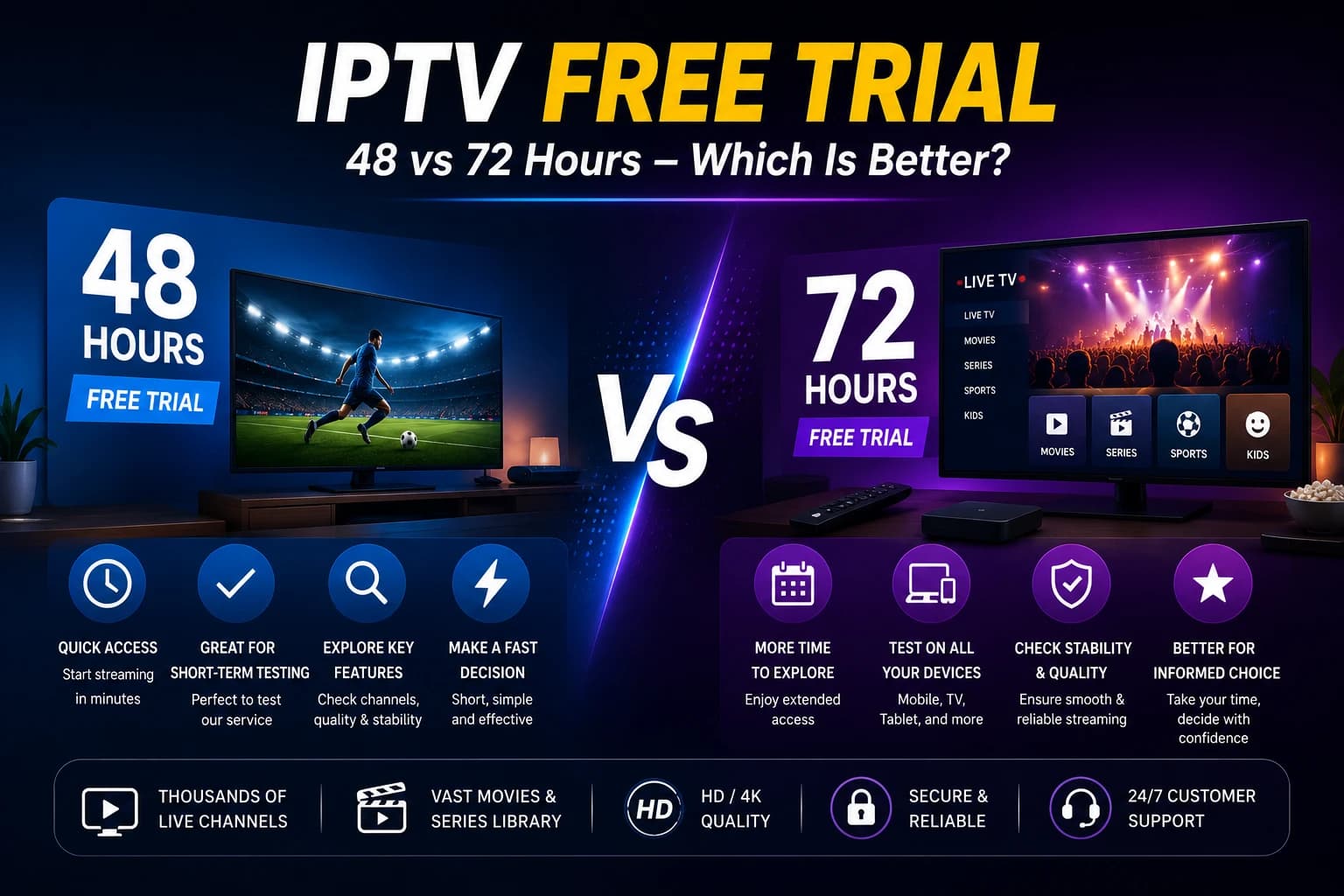
Watchzio's free trial runs 24 hours with no credit card — see the free IPTV trial. Not sure if 24 hours is enough? Compare it with longer options in our 48-hour vs 72-hour trial guide.
The red flags that separate a real service from a scam
Not every IPTV provider is built the same. What to watch for, and what a legitimate service does instead:
No refund policy — legitimate services offer at least a 7-day money-back guarantee. Walk away from anything that refuses.
Anonymous ownership — a trustworthy provider publishes a company name, contact email, and support channels.
Suspiciously low prices — ultra-cheap services frequently run on stolen streams that go dead with zero warning. Expect $10–$15/month for something reliable.
No trial offered — any reputable service lets you test first. A free 24-hour trial is standard, not a bonus.
Slow or absent support — 24/7 live chat or sub-hour ticket response is the real quality signal, not the marketing copy.
What separates premium from the rest
Cheap, unlicensed IPTV is where buffering, dead channels, and outright scams cluster. A premium service is defined by the boring stuff done right: a stable network at 99.9% uptime, anti-freeze technology, a complete EPG, catch-up TV, and 24/7 support staffed by actual humans.
Watchzio has run since 2020, carries thousands of channels up to 4K, and holds a 4.9/5 rating from 2,450+ users. Plans start at $12/month, no contract, with a 7-day money-back guarantee to test it risk-free. Explore the IPTV subscription plans or start with the free trial above.
Watch on any device — no cable needed
Start your free 24-hour trial. No credit card required.
Yes — IPTV as a technology is completely legal; it is the same delivery method used across the modern streaming industry and your cable company. What matters is the source: a provider operating within copyright law is legal, while services distributing channels without permission are not. Read our full guide on IPTV legality.
How much internet speed do I need for IPTV?
About 10 Mbps for HD and at least 25 Mbps for smooth 4K. If two people watch at once, double it. For Full HD and 4K a wired Ethernet connection is more reliable than Wi-Fi.
What devices can I use for IPTV?
Almost any modern device: Amazon Firestick, Android TV boxes, Samsung and LG smart TVs, iPhones and iPads, Android phones, Windows and Mac computers. You install an app such as TiviMate or IPTV Smarters and enter your login.
Is IPTV better than streaming apps or cable?
They serve different needs. IPTV gives you live channels, sports and thousands of international channels that on-demand streaming apps do not, at a far lower cost than cable. Many households use IPTV alongside a streaming app. See our IPTV vs cable comparison.
Do I need a VPN to watch IPTV?
A VPN is not required to use a licensed IPTV service. Some users add one for privacy or to watch on public networks, but with a legal provider like Watchzio it is entirely optional.
Step-by-step guide to setting up IPTV on Amazon Firestick in 2026. Install TiviMate or IPTV Smarters, add your playlist, and fix buffering in 5 minutes.